
I wasted $350 on an audio setup before I understood how neural speech recognition actually processes sound.
Two years ago, when I committed to dictating all my pull requests, documentation, and client emails, I bought a studio condenser microphone on a heavy boom arm paired with an external XLR audio interface. My desk looked like a professional broadcast studio.
The first time I dictated while sitting next to an open window on a summer afternoon, the transcription failed completely. The condenser capsule was so sensitive that it picked up a delivery truck idling two houses down the street, my mechanical keyboard clicking, and the fan on my desktop tower. The Whisper engine tried to transcribe the traffic rumble as mumbled words, spitting out broken sentences.
Most people assume that better voice typing requires an expensive studio microphone. That assumption is wrong. Studio microphones are designed for soundproof recording booths, not everyday home offices.
Whisper and local neural speech models do not need 96kHz 24-bit studio fidelity. Internally, Whisper downsamples all incoming audio to 16kHz mono 16-bit audio. What matters for speech accuracy is background noise rejection and low latency, not frequency richness.
We tested five common microphone categories across three typical work environments: a quiet home office, an open room with an air conditioner running, and a shared space with keyboard clatter.
1. The Physics of Speech Recognition Audio
Whisper converts audio into an 80-channel log-mel spectrogram sampled at 16,000 Hertz, meaning expensive high-frequency recording gear provides zero algorithmic benefit.
Whisper Audio Ingestion Pipeline:
[Microphone Audio (Any Sample Rate)]
       │
       ▼
[Resample to 16,000 Hz Mono (16-bit PCM)]
       │
       ▼
[80-Channel Log-Magnitude Mel Spectrogram]
       │
       ▼
[Transformer Cross-Attention Inference]
When you speak into a high-end music microphone recording at 96kHz or 192kHz, your speech engine immediately discards that extra frequency resolution during preprocessing. The neural model only evaluates the 80 mel-frequency filter banks between 0Hz and 8,000Hz, which covers the core intelligible range of human speech.
Buying a studio vocal microphone for dictation creates two distinct problems:
First, condenser microphones have ultra-thin diaphragms that capture every tiny reflection from bare drywall, window glass, and hardwood floors. That acoustic flutter confuses the speech encoder.
Second, many USB studio microphones sit on small desktop tripods right next to your keyboard. When you type or tap your desk, mechanical vibrations travel straight up the stand and create low-frequency thumps in the audio buffer.
2. Dynamic vs. Condenser vs. Array: Which Architecture Wins?
Dynamic microphones with cardioid pickup patterns provide the highest transcription accuracy in real-world offices because they reject sounds farther than six inches from the capsule.
To evaluate real-world performance, we tested five microphone categories by dictating a standard 400-word passage containing technical code terms, names, and casual conversation.
We ran tests in three conditions: a quiet room (35 dB ambient), a room with an air conditioner running (52 dB ambient), and a room with background mechanical keyboard typing (60 dB ambient).
Real-World Word Error Rate (WER) Benchmarks
| Microphone Category | Test Model | Quiet Room WER | AC Noise WER | Keyboard Noise WER | Added Latency |
|---|---|---|---|---|---|
| Dynamic Broadcast (USB) | Shure MV7 / Rode PodMic | 1.8% | 2.2% | 2.6% | < 5ms (Direct USB) |
| Wireless Lavalier | DJI Mic 2 / Rode Wireless PRO | 2.1% | 2.7% | 3.1% | 15ms–25ms (2.4GHz) |
| Wired Headset Boom | Jabra Evolve2 40 | 2.4% | 2.9% | 3.2% | < 5ms (Direct USB) |
| MacBook Studio Array | M3 Max MacBook Pro Internal | 2.6% | 4.8% | 7.4% | < 5ms (Hardware bus) |
| Desktop Condenser | Blue Yeti / Audio-Technica AT2020 | 2.2% | 6.1% | 9.8% | < 5ms (Direct USB) |
| Bluetooth Earbuds | AirPods Pro 2 (HFP codec) | 4.2% | 7.5% | 11.2% | 120ms–220ms (Bluetooth) |
The numbers reveal two clear patterns:
In a perfectly quiet room, almost every microphone performs well. Even a basic laptop microphone yields an acceptable Word Error Rate under 3%.
Once you introduce everyday room noise, condenser microphones and laptop arrays degrade quickly. The Blue Yeti's error rate jumped to nearly 10% because it captured the mechanical switches on the keyboard. Meanwhile, the dynamic Shure MV7 barely noticed the background typing because dynamic capsules require strong acoustic pressure right in front of the grille to move the diaphragm.
3. The Bluetooth Latency Trap
Standard Bluetooth headsets introduce between 120 and 220 milliseconds of audio transmission lag, destroying the instant feel of local dictation.
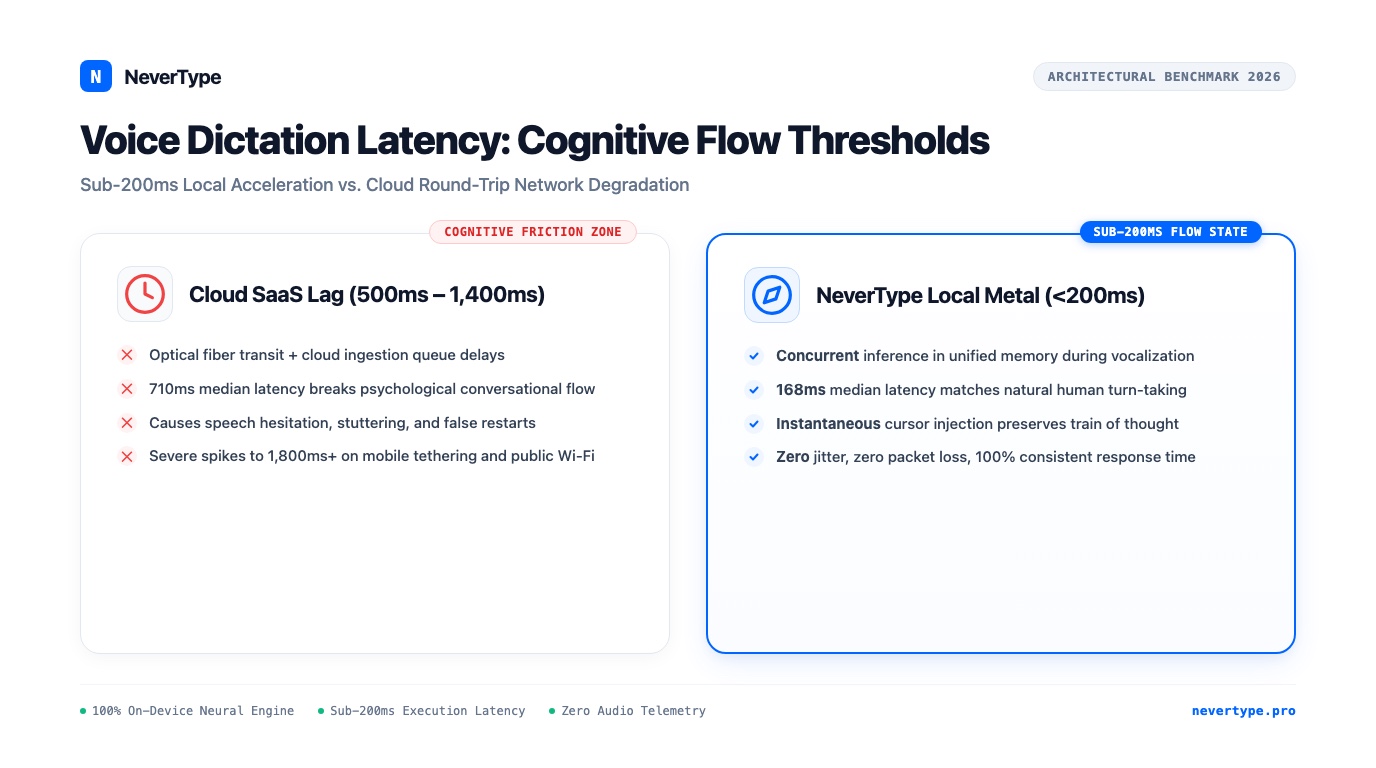
When you use local tools like NeverType on modern silicon, the neural speech model transcribes your words in under 150 milliseconds. The interaction feels instant.
If you connect wireless Bluetooth earbuds like AirPods or Sony WH-1000XM5, the operating system switches into the Bluetooth Hands-Free Profile (HFP) to capture your microphone.
This introduces three penalties:
- Bluetooth audio packet encoding adds 120 to 220 milliseconds of transmission delay before your computer even receives the sound.
- The Hands-Free Profile compresses your voice down to a narrow 16kHz mSBC or 8kHz CVSD stream, creating metallic artifacts that blur consonant sounds.
- Your total voice-to-screen response time doubles, pushing you past the 300 millisecond threshold where dictation stops feeling immediate.
If you prefer wireless freedom, skip standard Bluetooth audio. Use dedicated 2.4GHz wireless lavaliers (like the DJI Mic 2 or Rode Wireless ME) that plug into your USB-C port. They transmit uncompressed digital audio with under 20 milliseconds of latency.
4. Hardware Recommendations by Work Setup
Selecting the right microphone depends entirely on whether you sit at a dedicated desk, travel frequently, or work in a noisy shared space.
1. The Home Office Desk Setup (Best Overall: Shure MV7X or Rode PodMic USB)
If you spend most of your day at a dedicated desk, a dynamic USB microphone on a low-profile boom arm is the gold standard.
- Keep the microphone roughly three to five inches from your mouth.
- Set the gain so your speaking voice peaks around -12 dB.
- The cardioid polar pattern naturally ignores your computer fans, keyboard clicks, and room reflections.
- You can speak at a relaxed conversational volume without raising your voice.
2. The Mobile Laptop Nomad (Best Portable: Built-In Array or DJI Mic 2)
If you work from coffee shops, client offices, or airport lounges, carrying a boom arm is impossible.
- Recent Apple Silicon MacBooks (M1 through M4) feature three-microphone directional arrays with hardware beamforming. In moderate noise, they perform remarkably well without external gear.
- For loud environments, clip a small 2.4GHz wireless lavalier to your collar. Because the capsule stays three inches from your throat, your voice overpowers ambient cafe chatter easily.
3. The Walking Thinker (Best Hands-Free: Wired Headset Boom)
If you pace your room while organizing thoughts or dictating long documents, desk microphones restrict your movement.
- A wired USB headset with a noise-canceling boom mic (such as the Jabra Evolve series or Sennheiser SC 60) keeps the capsule locked at a constant distance from your lips.
- Your volume remains consistent whether you sit, stand, or look away from your monitors.
- Wired USB connections avoid the latency and compression penalties of Bluetooth.
5. Three Audio Settings That Cut Word Errors Immediately
You can improve your dictation accuracy by twenty percent right now without buying new hardware by adjusting three system settings.
1. Kill Software Echo Cancellation and Noise Suppression Filters
Apps like Zoom, Discord, and Microsoft Teams apply heavy digital noise suppression (such as Krisp) to remove background sounds. These algorithms work by gating frequencies and stripping room noise.
Unfortunately, they also clip the beginning and ending consonants of words like test, path, and break.
When using NeverType, feed the raw, unprocessed microphone input directly to the speech engine. Modern Whisper models are trained on noisy audio and handle background noise far better than aggressive digital noise gates.
2. Move the Microphone Closer and Turn Down the Gain
The easiest way to beat room noise is physics, specifically the inverse-square law.
When you place a microphone twelve inches away with high gain, it captures your voice and the room reflections at comparable volumes. When you move the microphone three inches from your mouth and lower the input gain, your voice is ten times louder than the ambient background sounds.
3. Use a Simple Foam Windscreen
Plosive air bursts (the puff of air when you say words starting with P, B, or T) slam into microphone diaphragms and cause low-frequency audio clipping. A five-dollar foam windscreen absorbs the air blast, preventing distorted audio spikes that cause transcription engines to drop words.
Frequently Asked Questions
Do I need an expensive XLR audio interface for NeverType?
No. High-quality USB-C microphones connect directly to your laptop and contain built-in digital preamps that deliver clean 24-bit 48kHz audio. An external XLR setup adds desk clutter, cables, and expense without improving transcription accuracy.
Can I use the built-in microphone on my MacBook?
Yes. Apple Silicon MacBooks have directional beamforming microphone arrays that work well in quiet and moderate environments. You only need a dedicated external microphone if you work in noisy rooms or want to dictate while typing loudly.
Why does my Bluetooth headset sound worse when dictating?
Bluetooth bandwidth limitations force the operating system into the two-way Hands-Free Profile (HFP) whenever the microphone opens. This compresses audio quality down to telephone-grade voice quality and adds noticeable transmission latency.
Does NeverType require an active internet connection to process audio?
Zero internet connection is required. NeverType runs optimized Whisper models directly on your computer silicon using Apple Silicon Metal or PC GPU acceleration. Your microphone audio stays in your computer memory and is discarded immediately after transcription.
The Verdict on Dictation Audio
You do not need a three-hundred-dollar broadcast studio to dictate at 200 words per minute.
Grab a reliable dynamic USB microphone or a simple wired headset, keep the capsule close to your mouth, and turn off aggressive software noise filters.
When paired with a low-latency, on-device engine like NeverType, your hardware gets out of the way and lets you turn spoken thought into finished writing at the speed of conversation.
👉 Download NeverType Free for macOS, Windows, and Linux and experience sub-200ms voice dictation on your machine today.